86.4Mbps
✓ Network looks greatStable and fast
Smart line pick based on load and latency — smoother experience on mobile networks.
Install the LightXtreme mobile app from the official store. Safer, stable, smooth connectivity on your phone.
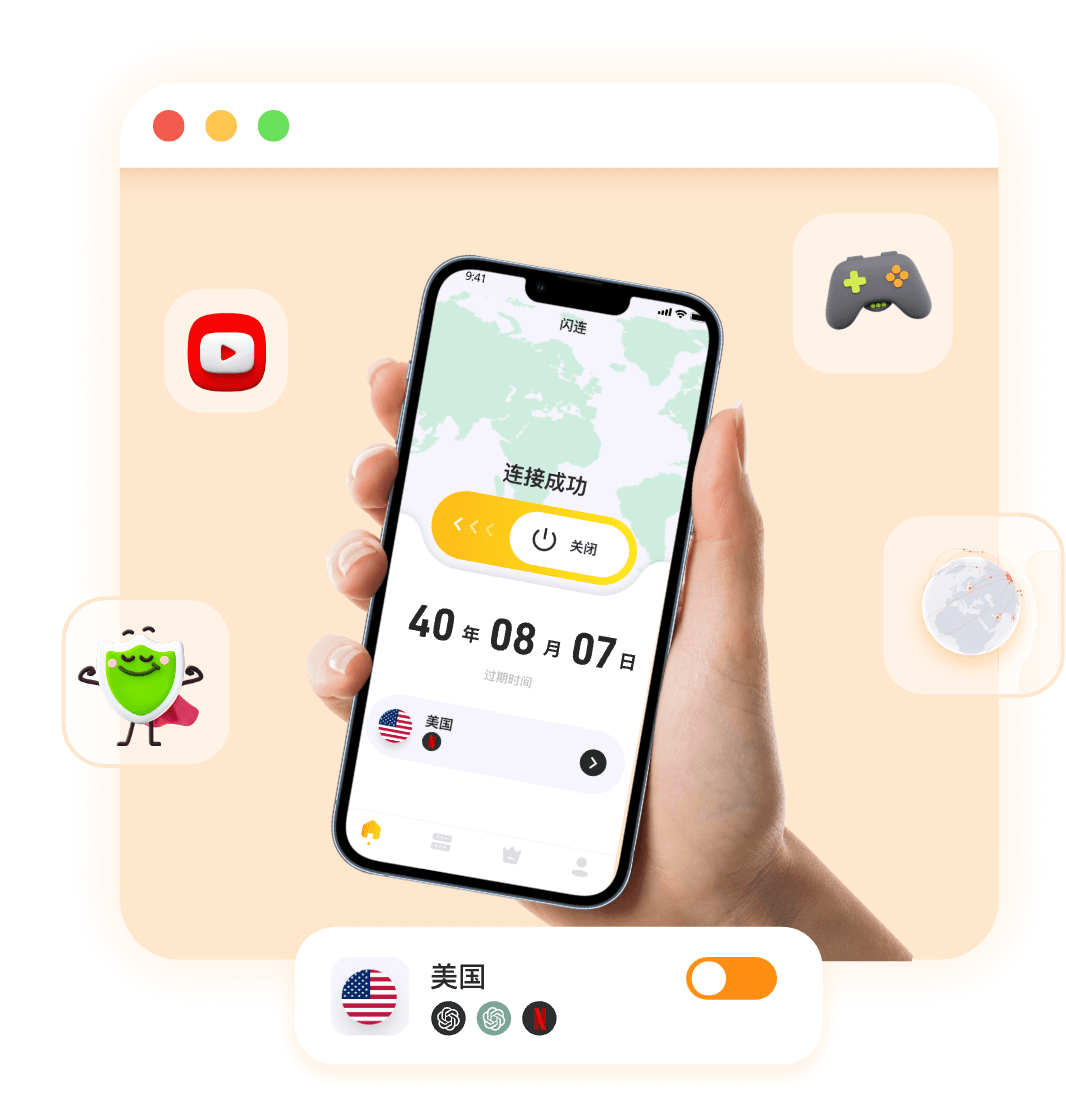
Install from the official store, tap smart connect, and skip manual setup on Android.
Smart line pick based on load and latency — smoother experience on mobile networks.
Built-in protection reduces risk on public Wi-Fi and hotel networks.
Same account as desktop. Preferences sync when you switch phones.
Global lines in the Android app with automatic congestion avoidance — pick a route on your phone.
Open the official app store, search LightXtreme or 闪连, confirm the developer, then install.
No. Use the official app store or follow our on-site download guide — not unknown mirror sites.
Android 8.0 (Oreo) and above. Install from the official store so the build matches your device.
Follow our download page steps or try again later. Do not use forum or cloud-drive packages.
Allow required permissions and background access. Switch line or toggle airplane mode. Disable battery optimization on aggressive Android skins.
Mobile free trial · No payment method required